

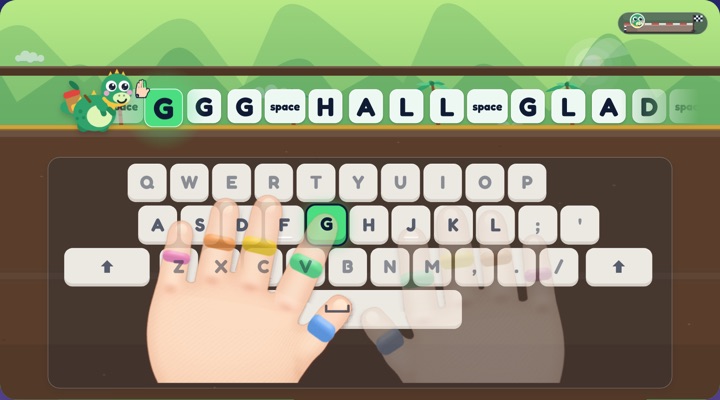
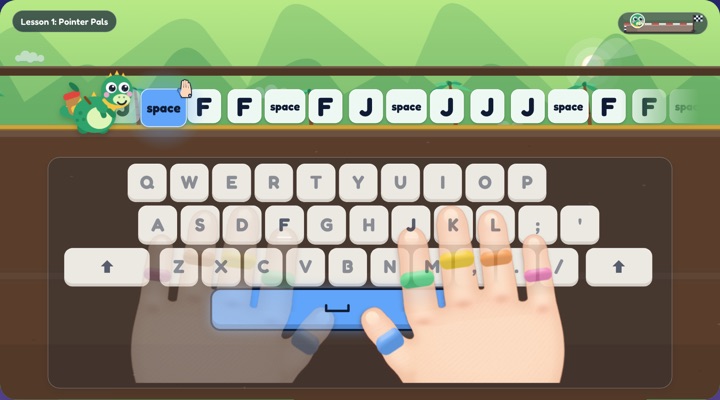
Also useful: the home row keys chart shows which finger types each key.
More games with letters and words
Letter games · ABC order · Sight word games · Sight word phrases · Spelling practice · Spelling test · Spacebar test · Number typing test
Word searches
Word search for kids · Word search maker · Sight word word search · Christmas word search · Halloween word search · Thanksgiving word search · Valentine's Day word search · St. Patrick's Day word search
The full game: Bumpy Keys
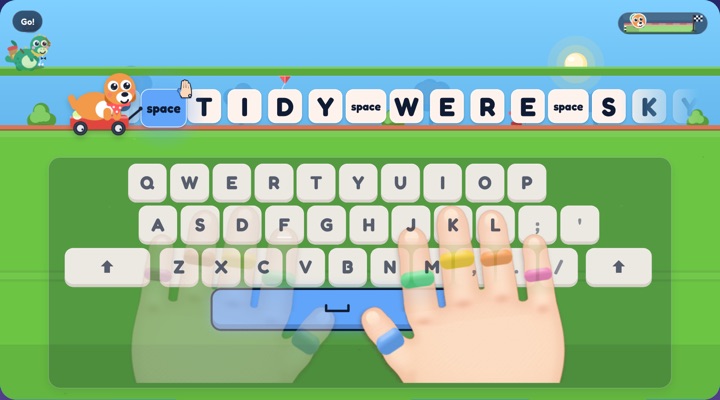
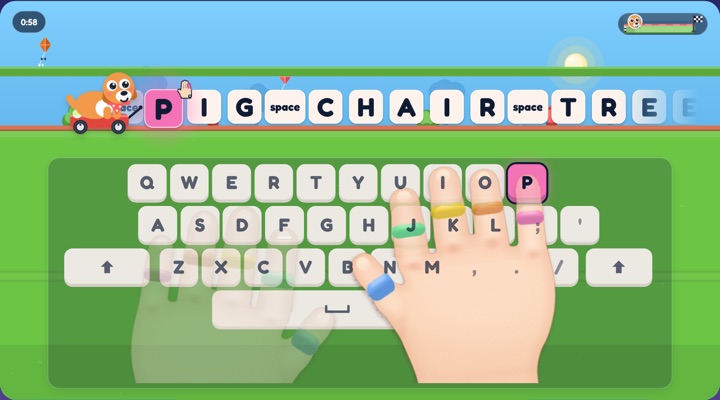
These games are small pieces of one bigger game. Bumpy Keys is a typing game for ages 4 to 9 where every right key moves a racer down the road.
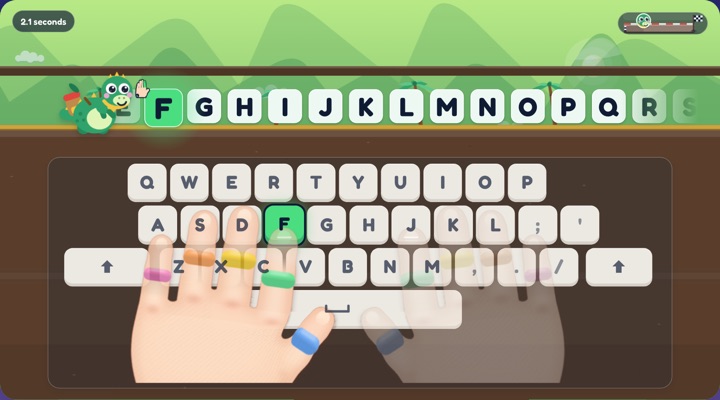
- 100 lessons. They start with F and J and add a key or two at a time. All 100 are free in two worlds, Puppy Park and Dino Dash.
- Hands that show the way. Animated hands reach for the next key, and each finger has its own color.
- Arcade and races. Play the Arcade for variety, race friends on the same keyboard, or start a room for up to 30 racers.
- Outfits to earn. Finishing races earns dress-up rewards for your racer.
- No ads and no accounts. Progress stays on the device.
Download free for iPad and Mac
On a Chromebook or a Windows laptop, play Bumpy Keys online. An optional one-time purchase of $4.99 adds all twenty worlds. There is no subscription.
What makes a good typing game for kids?
Lots of typing games are fun. Fewer of them teach typing. When you are choosing one, these are worth checking.
- Does it show which finger to use? Speed with two fingers is a habit to unlearn later. Look for finger guidance on the screen.
- Does it start small? A beginner should meet a couple of keys at a time, starting on the home row, and never be asked for a key they have not met.
- Does it reward care before speed? A timer alone teaches rushing. Stars or points for accuracy teach the right habit.
- Are the rounds short? A minute or two per round keeps it a game.
- What else is on the screen? Check for ads, chat with strangers, and sign-up forms before a child plays alone.
For a wider look at what is out there, see our comparison of typing programs for kids. We make Bumpy Keys, so weigh our view with that in mind.
Games for a class
Everything on this page runs in a browser with no accounts, so a whole class can play at once on Chromebooks or iPads. Teachers can request free classroom codes for the full game, and the Chromebook guide covers installing it.
Questions
Are these typing games free?
Yes. Every game on this page is free, with no ads and nothing to sign up for.
What ages are the games for?
Ages 4 to 9 is the starting point, but they go by skill. A beginner of any age can start with the home row, and a confident typist can pick sentences or a speedy race.
Do the games work on a Chromebook?
Yes. They run in the browser on Chromebooks, Windows laptops, Macs and iPads.
Do they need a keyboard?
A real keyboard is best for learning to type. On a tablet without one, on-screen keys appear so a child can still play.
Is anything my child types saved?
No. Nothing typed in these games is saved or sent anywhere.