Press A to start the clock, then type every letter in order. Your dinosaur runs a little farther with each right key.
How to play
- Press A. The clock starts on your first right key, not before.
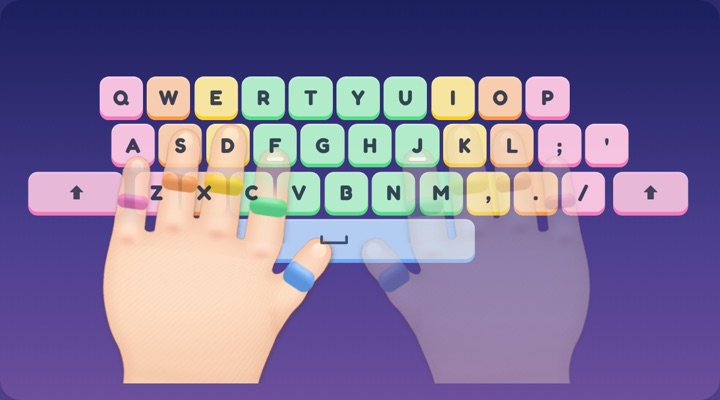
- Type each letter in order. The next key lights up on the keyboard, and the hands show which finger to use.
- Slipped? Keep going. A wrong key does not end the game. Find the lit key and carry on.
- Reach Z. You get your time, your slips, and up to three stars for careful typing.
Ready for a harder one? Choose Z to A and type the alphabet backwards. For a sentence that uses every letter, try the quick brown fox typing test.
What is a good time?
The fastest time Guinness World Records lists for typing the alphabet is 3.25 seconds, set in 2024. That is a record, not a target. Our guide to the fastest typing speeds has the details.
On a first try, most of the time goes on hunting for each key, and that is exactly the practice. The number that matters is your own best time, which this page remembers on this device. Come back tomorrow and see if it drops.
Stars are for careful typing, not speed. Three stars means every key was right.
Why the alphabet is good typing practice
- It uses all 26 letters. Every finger gets a turn, even the pinkies.
- The order is not the keyboard's order. A, B and C sit far apart, so you learn where each letter really lives.
- Everyone already knows it. There is nothing to read, so all your attention can go to your fingers.
Four ways to get faster
- Start from the bumps. Rest your pointer fingers on F and J. Those two keys have little bumps so you can find them without looking.
- Follow the colors. Each finger has a color. The lit key is the color of the finger that should press it.
- Slow down to speed up. A slip costs more time than a careful press.
- Come home after each reach. Let your fingers return to the home row before the next letter.
Not sure which finger goes where? The home row keys page shows every key and its finger.
For teachers and parents
This makes a quick warm-up before a lesson. There is nothing to set up and no account. A best time is kept in the browser on that device and nowhere else. When a child wants more, the practice page goes key by key, and the full game has 100 lessons.
Questions
Is this free?
Yes. There are no ads and nothing to sign up for.
Does it save my time?
Your best time is kept in this browser, on this device. It is not sent to us or to anyone else.
Does it work on a Chromebook or an iPad?
Yes. It runs in any modern browser. With a keyboard you type on the real keys. On a tablet without one, on-screen keys appear.
Can I type the alphabet backwards?
Yes. Choose Z to A above the game. It keeps its own best time.
More free typing tools
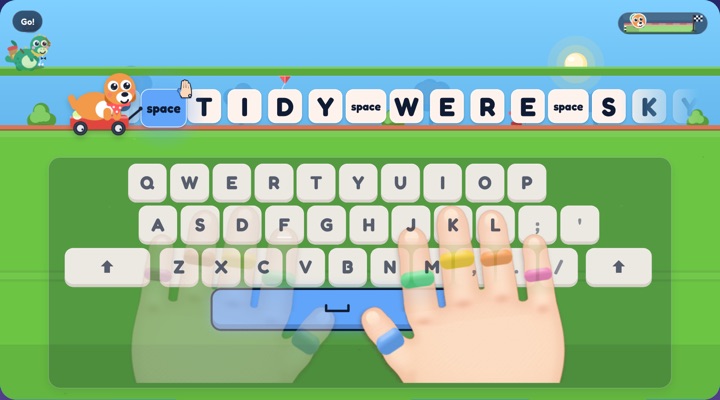
Typing race
Every right key moves your racer.
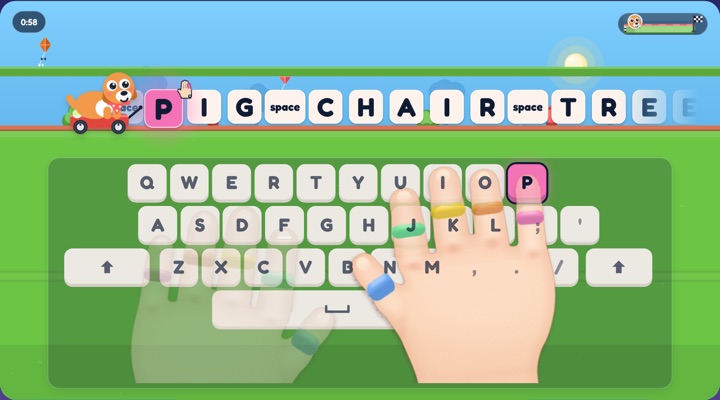
Typing test
Words a minute and keys right, in one minute.
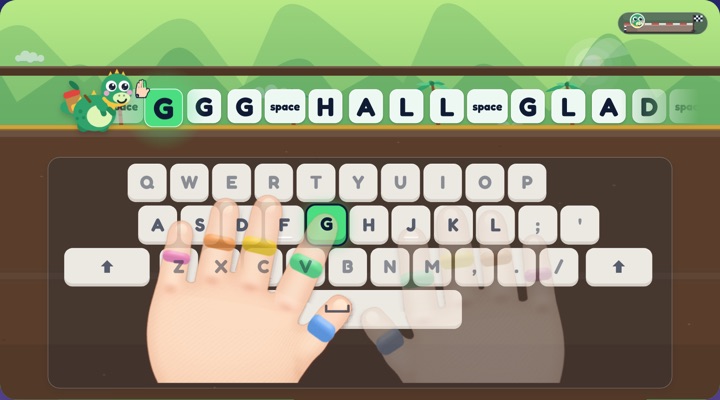
Typing practice
Short laps by skill, from the home row to sentences.
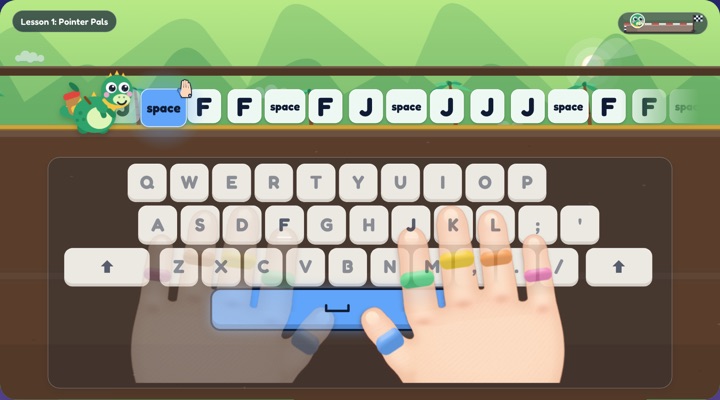
Typing lessons
Try the first three lessons, see all 100.
Home row keys
Press a key, see its finger.